ChatGPT plugin metadata for names, descriptions and starter prompts
ChatGPT plugin metadata is the name, subtitle, description, starter prompts and tool text that ChatGPT and OpenAI Codex read to understand when your plugin fits a request. You write the listing fields in your plugin package and the tool definitions on your Model Context Protocol (MCP) server.
Under OpenAI’s submission rules, checked October 24, 2026, the display name and subtitle each allow 30 characters. The listing description allows 4,000; starter prompts allow up to three requests of 128 characters each. Apple’s App Store also allows 30 characters for names and subtitles. Those are submission limits, not targets to fill. Explain the task clearly, then test whether the right tool runs. Listing edits need a new package review; hosted tool changes follow OpenAI’s daily scans.
What ChatGPT plugin metadata covers
Metadata describes what your product does, who it helps and how its tools behave. What used to be called ChatGPT app metadata now sits within the plugin submission: an app is a connection inside a plugin, which can also contain skills.
OpenAI replaced the App Directory with the plugin directory on July 9, 2026. This guide covers that current package and its MCP tools. OpenAI’s release notes record the change.
App store optimization for a plugin covers both the product copy readers see and the tool definitions assistants use. Keep the two metadata layers separate when editing:
| Layer | Fields | Who reads it | How you change it | Review |
|---|---|---|---|---|
| Listing and package | Stable name, package description, keywords; interface name, subtitle, description, publisher, category, capabilities, prompts, icons and URLs | Directory visitors; ChatGPT and Codex receive metadata about the plugin | Edit the package and upload a new ZIP | New package checks and review |
| MCP tools | Names, titles, descriptions, input/output schemas and annotations | ChatGPT and Codex use these to choose and call tools | Deploy server changes and scan the endpoint | Tool checks; an approved definition can remain live while its replacement is held |
Scan Tools imports the metadata your endpoint advertises. Correcting a description in a planning document will not change what OpenAI scans: deploy it on the server or include it in the appropriate package field.
ChatGPT plugin field limits
Count characters before uploading. A package can accept draft text that exceeds the final submission limits, so a successful upload is not proof that your listing is ready.
| Field | Where it shows | Limit: OpenAI, checked 2026-10-24 | App Store counterpart: Apple |
|---|---|---|---|
interface.displayName | Public name | 30 characters | App name: 30 characters |
interface.shortDescription | Subtitle | 30 characters | Subtitle: 30 characters |
interface.longDescription | Listing description | 4,000 characters | Product description |
Package description | Package summary | Conflicting docs: 4,000 in submission reference; 1,024 in error reference | No direct counterpart |
Package name | Stable identifier | 64 characters | Separate from the public app name |
interface.developerName | Publisher | 80 characters; directory name uses verified identity | Developer identity |
interface.category | Listing category | Required; one of 13 supported titles | Store categories |
keywords | Package discovery terms | Optional array; no stated limit | Keywords: 100 characters total |
interface.defaultPrompt | Starter prompts | Up to 3; 128 characters each | No direct counterpart |
interface.capabilities | Capability labels | Up to 20; 120 characters each | No direct counterpart |
| Icons | Listing and composer | Square; at least 48 × 48 pixels; at most 5 MiB | App icon; separate specifications |
Sources checked October 24, 2026. OpenAI lists fields in its submission reference. Its submission error reference supplies validation rules and categories. Apple’s product-page guidance explicitly connects keywords with search placement; OpenAI does not publish an equivalent weighting.
For the conflicting package-summary limit, stay within 1,024 characters and check the submission findings. Keep the longer public explanation in longDescription. Translated subtitles and descriptions allow 30 and 4,000 characters respectively. Icons support PNG, JPEG, WebP and SVG; package paths must point to included files.
The directory shows example prompts instead of screenshots. Screenshots can still be part of review for a plugin with custom UI; do not submit them for a plugin without UI.
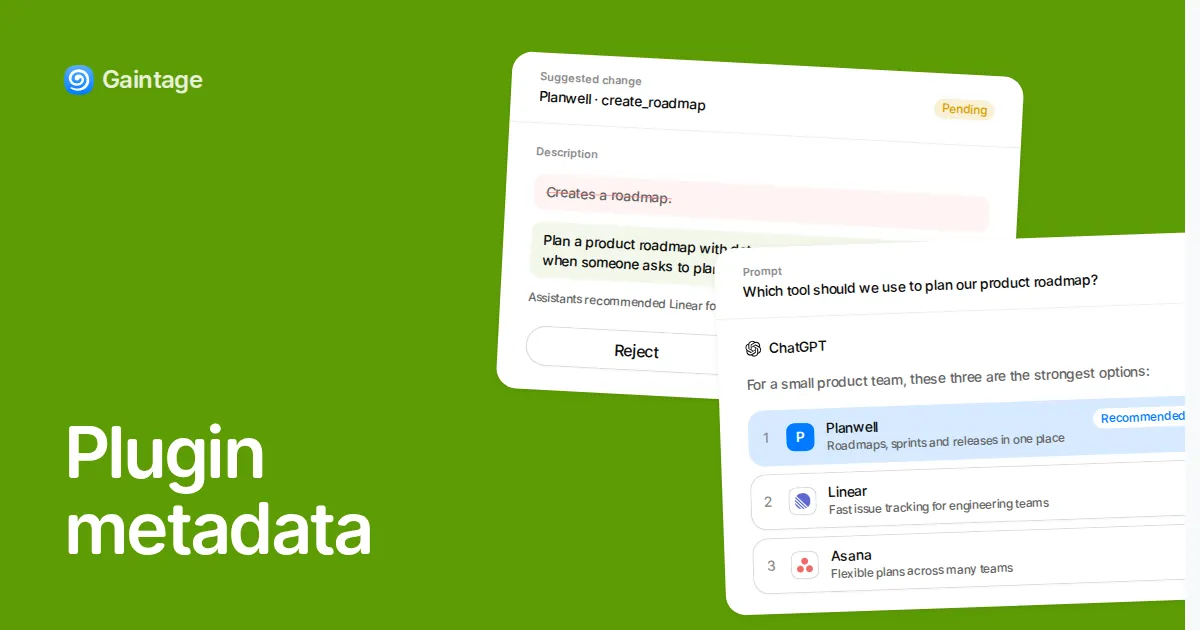
Gaintage drafts subtitle, listing and starter prompt changes so you can review and ship metadata edits. Choose Accept or Reject, then publish accepted changes through your own release process.
How to write the plugin name and description
Name the product and explain its main job. A generic dictionary word gives readers little help; appending “Plugin” or “MCP Server” to a recognizable brand adds little either. OpenAI’s naming rules prohibit those suffixes.
Use the subtitle for a task someone would recognize. In the longer description, identify the user, explain what they can accomplish and state the limits that affect the request. Replace “all your planning needs” with the releases, dates or owners the tool can actually retrieve.
Fictional example: Planwell. The following copy illustrates the rules. It is not a real listing or a tested result.
| Field | Example | Why it fits |
|---|---|---|
| Display name | Planwell: Roadmap and Releases | 30 characters; brand plus recognizable jobs |
| Subtitle | Track releases and find owners | 30 characters; specific actions |
| Long description | Planwell helps product teams check release status, find feature owners and read roadmap dates from their connected account. Ask about a release or feature to see its recorded status and owner. This plugin reads existing plans; it cannot create tasks or change release dates. | Names the audience, supported tasks and a meaningful limitation |
Describe functionality without comparisons, disparagement or claims you cannot verify. Keep pricing, subscriptions, trials, discounts and promotions out of the subtitle and description. A description that promises more than the tool returns also creates a review problem, however persuasive it sounds.
How to write ChatGPT plugin starter prompts
Write requests a user could send unchanged. Give each prompt a distinct job and enough context to produce a useful answer. OpenAI allows up to three unique, single-line entries in defaultPrompt, each within 128 characters, without app @mentions.
For the same fictional Planwell example:
- “What is the status of the mobile onboarding release?”
- “Who owns the checkout redesign?”
- “Which roadmap items are planned for the next release?”
These work only if Planwell’s tools support those requests and the connected account contains the relevant records. Avoid prompts such as “Help me work smarter,” which leave the user and model to guess what the plugin does.
Starter prompts are different from reviewer test cases. Initial MCP review requires five positive cases and three negative cases. Those cases include expected behavior and access to sample data; they are not extra prompts to squeeze into the listing.
If a tool never runs for a relevant request, check the tool description as well as the starter prompt. OpenAI’s troubleshooting guide recommends revising both, then repeating your test prompts. A polished starter cannot compensate for an ambiguous tool definition.
ChatGPT plugin keywords, categories and competitor names
The package keywords field accepts an optional array of discovery terms. For fictional Planwell, terms such as release planning, roadmaps and feature ownership describe its functionality. OpenAI does not document how directory search weighs this field, so adding a term is not a documented route to a higher position.
The supported category titles are Productivity, Creativity, Developer Tools, Business & Operations, Data & Analytics, Communication, Education & Research, Security, Finance, Healthcare, Travel, Entertainment and Other. Choose the closest match to the plugin’s main job; do not treat category selection as a way to enter unrelated searches.
OpenAI’s rules prohibit comparisons and disparagement in names and descriptions. Its fair-play rule also covers model-readable fields that manipulate selection. Instructions telling the model to prefer your plugin over another therefore belong nowhere in the metadata.
The docs do not directly settle whether a competitor’s name may appear in keywords. Our recommendation is to use your own functions and user needs instead. That is conservative editorial advice, not a claim that OpenAI has published a blanket keyword ban.
Tool names, descriptions and hints inside the plugin
A tool name should identify its action. For fictional Planwell, get_release_status is clearer than a broad name such as productivity_helper. Its description could read:
Use this when the user asks for the status, owner or recorded date of a release in their connected Planwell account. Requires a release identifier. Returns existing records only; does not create tasks or change dates.
This example defines a trigger, an input and a boundary. It does not tell the model to choose Planwell for every planning question.
Every tool needs explicit readOnlyHint, destructiveHint and openWorldHint values matching its behavior. A lookup confined to a private account can be read-only, non-destructive and closed-world. A tool that posts publicly or sends a message needs different annotations. Do not copy a lookup’s hints onto a write operation. OpenAI’s annotation guidelines explain those distinctions and say annotation justifications are no longer required.
What OpenAI’s review rejects
Accurate copy matters alongside working access. OpenAI lists these common rejection reasons:
- Reviewers cannot connect through the supplied URL or credentials, including accounts blocked by MFA or further setup.
- Test cases fail to return the expected results.
- Tool responses contain user-related data the privacy policy does not disclose.
- Hint annotations contradict the tool’s actual behavior.
An unclear tool description can also lead to rejection. Trial or demo plugins are not accepted, and publishing under an unverified individual or business name is grounds for rejection.
“Keyword stuffing” is not a named rejection reason in the cited rules. Repetitive or misleading terms can still conflict with the requirements for accurate descriptions and fair discovery. Read the actual finding before changing unrelated fields.
Commerce has separate restrictions: plugins may sell physical goods, not digital products, subscriptions or credits. Existing subscribers can use included features. OpenAI’s plugin guidelines allow an informational plans page to explain entitlements, but prohibit links that initiate a subscription or upgrade checkout.
What happens when you change metadata after launch
Listing edits require a new ZIP and package review. Publishing the approved update replaces the previous package version. Changing hosted MCP tools follows a separate process, so decide which layer you need to change before preparing a release.
OpenAI scans published MCP servers daily. Changed definitions can remain held while the previously approved definition stays live. New tools remain unavailable until their checks pass. Deleted tools disappear when a scan detects their removal, without waiting for automated approval.
Keep the server compatible with the approved schema while an update is held. Deploying a changed description does not mean users are already receiving that definition.
Whether a particular edit changes recommendation frequency is undocumented. Measure before and after rather than assuming that a renamed field helps or hurts. OpenAI also selects plugins for enhanced distribution, including main-directory placement and proactive suggestions; developers cannot request it. A metadata release is not a placement application.
How to test a metadata change
To optimize ChatGPT app metadata, start with requests you can repeat. Include direct prompts naming the product, indirect prompts describing its job and negative prompts it should not handle. For Planwell, checking a release is relevant; asking it to delete account data is not.
Record the selected tool, arguments and returned result. Check precision: did the correct tool run, without inappropriate activations? Check recall: did it run for the requests it should handle? Change one field, repeat the same prompts and save the results. OpenAI’s metadata optimization guide recommends this method and weekly review of tool-call analytics after launch.
Use a revision log without inventing an improvement:
| Date | Field | Old | New | Result |
|---|---|---|---|---|
| Your test date | Field changed | Previous text | Revised text | Expected versus observed behavior; failures and successes |
Tool selection tests answer whether an installed plugin behaves correctly. To assess discovery, compare Recommendation rate for the same relevant buyer prompts before and after release. Repeat the prompts over time; a single changed answer cannot establish an improvement or its cause.
Gaintage suggests changes to listing copy, tool descriptions and starter prompts. You Accept or Reject them, publish the accepted edits and Gaintage retests. Its API and MCP server also support getting recommendations and automating optimization work. Keep the release date in your log so the next comparison uses the version customers could actually encounter.